Now shippinglatest
iptvS
A native macOS IPTV player carved from obsidian glass and sapphire light. Live TV, Movies, Shows and EPG — unified under one liquid interface.
Universal · Apple Silicon native · Not Notarized · Hoc Signed

A native macOS IPTV player carved from obsidian glass and sapphire light. Live TV, Movies, Shows and EPG — unified under one liquid interface.
Universal · Apple Silicon native · Not Notarized · Hoc Signed
/ 01 — Capabilities
Built natively in Swift for macOS. No web wrappers, no compromises — just a fast, focused player that respects your system.
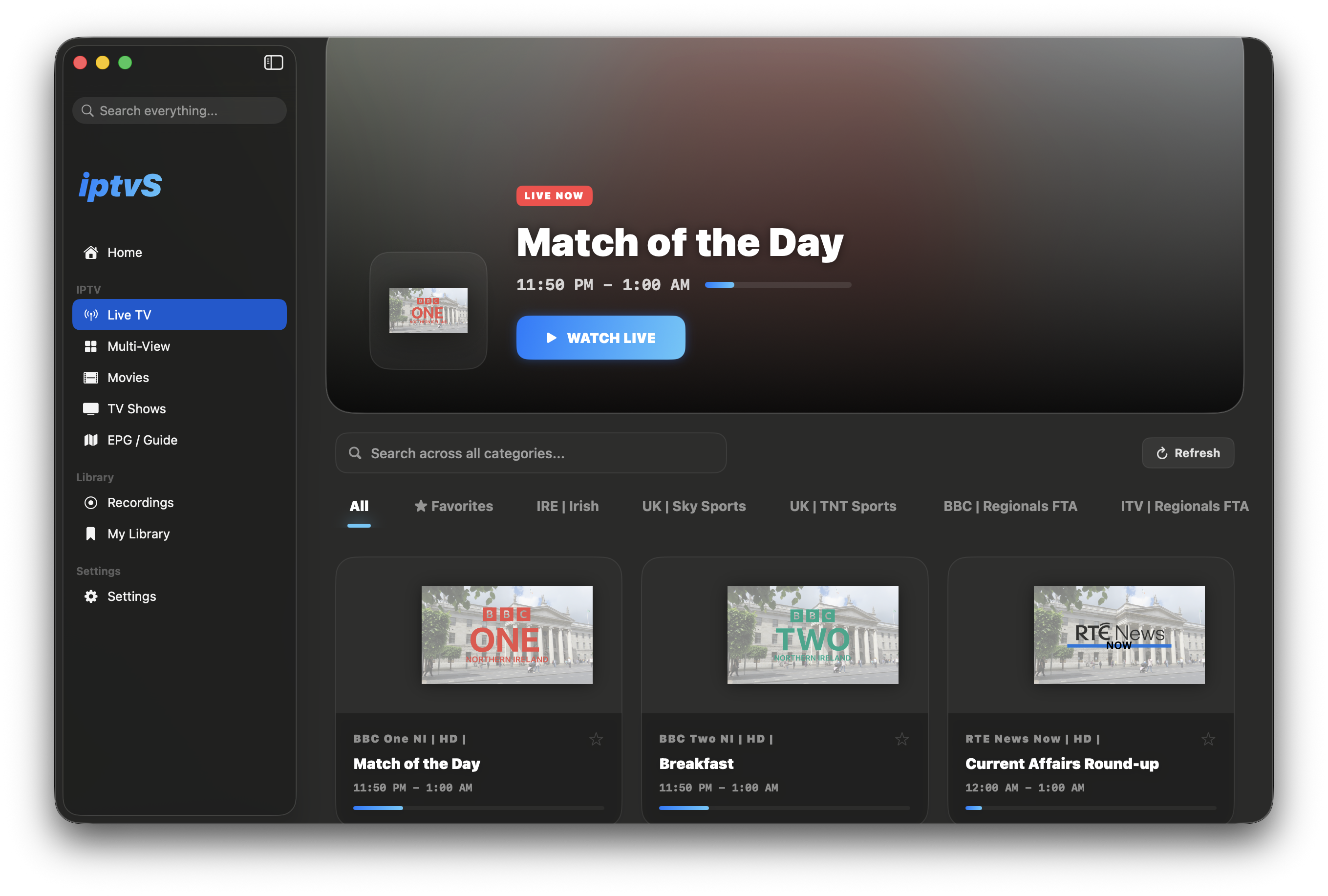
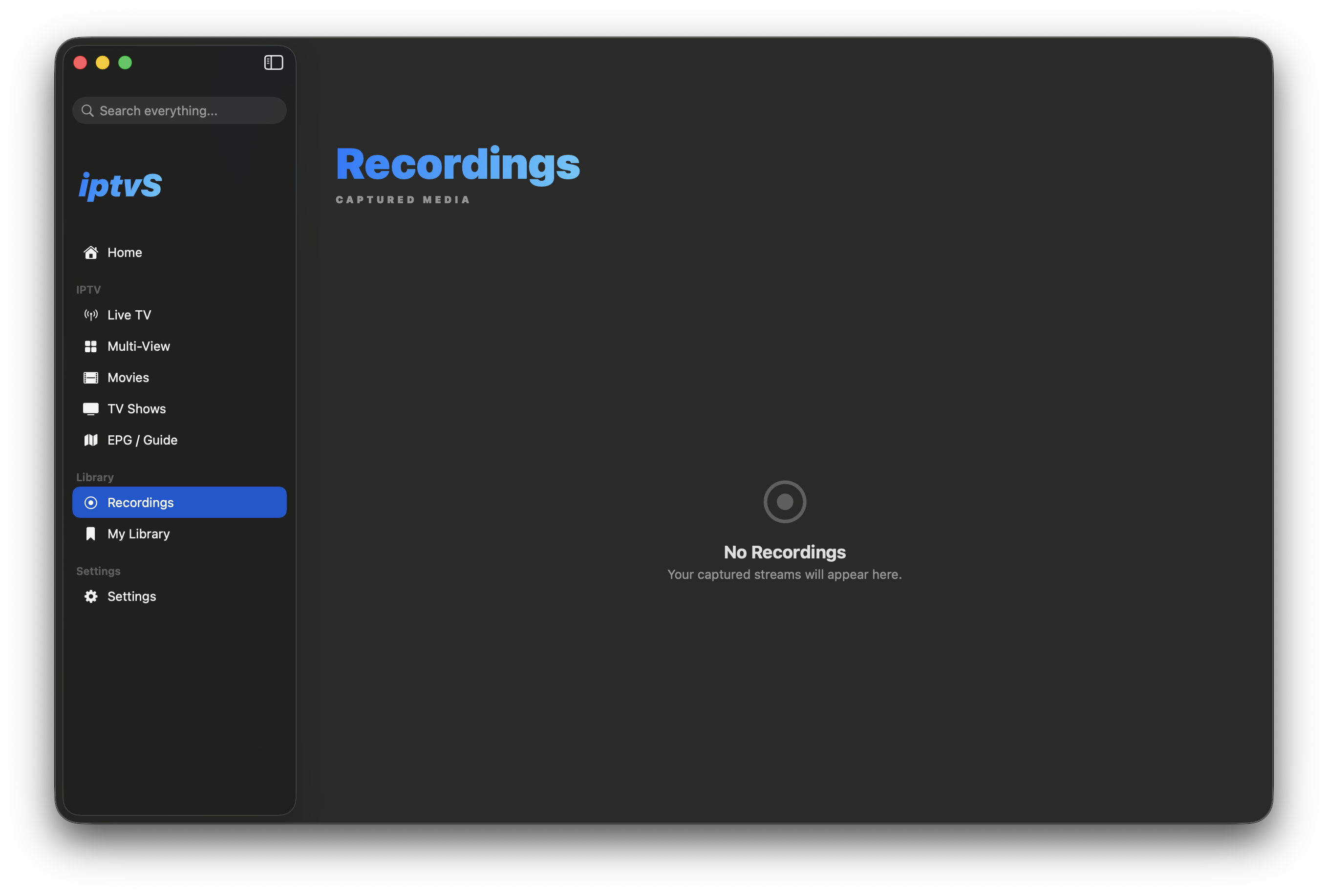
One library for live channels, VOD movies and series — across every active playlist.
Find any channel, movie or episode instantly with global search.
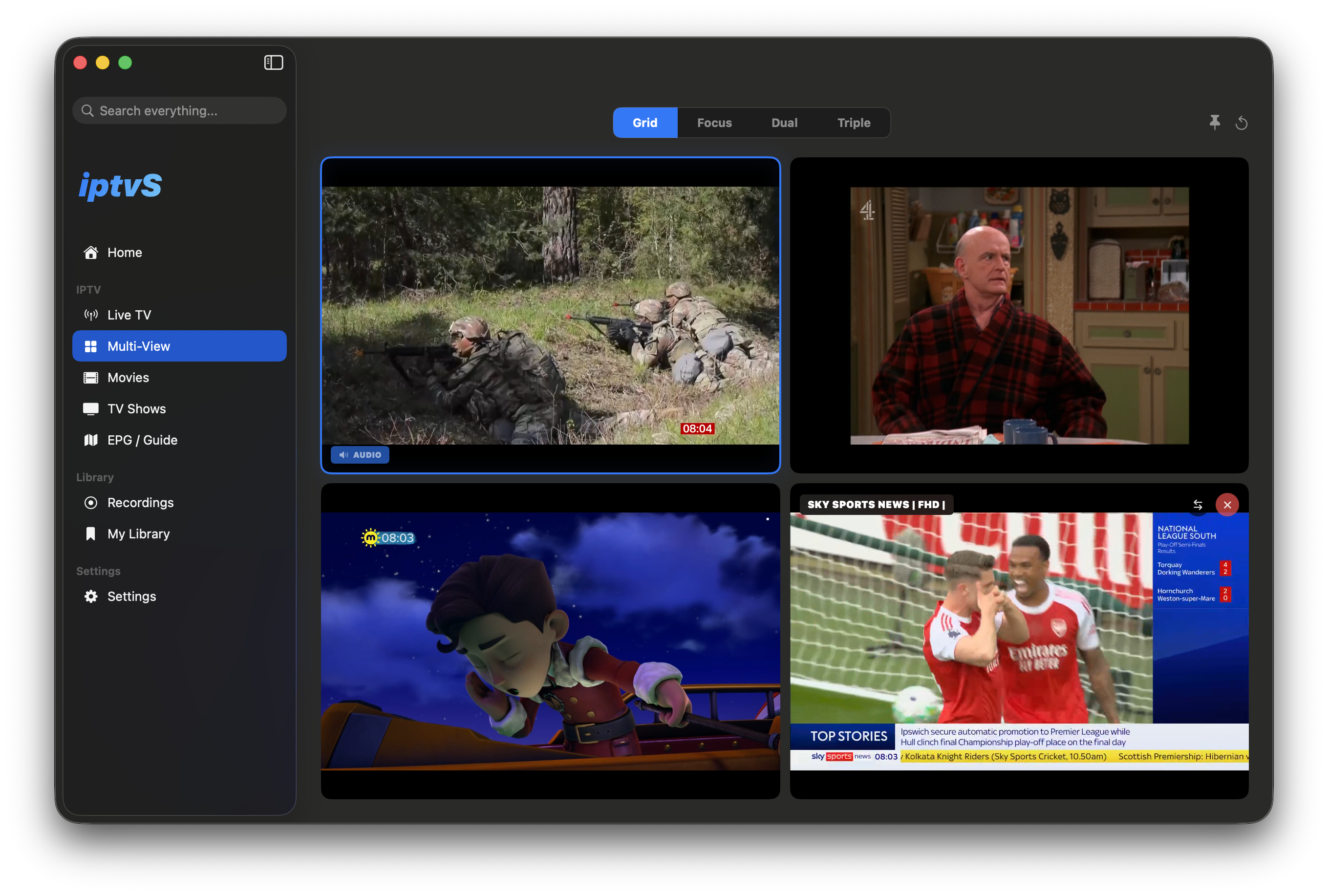
Watch up to four streams side-by-side without missing a moment.
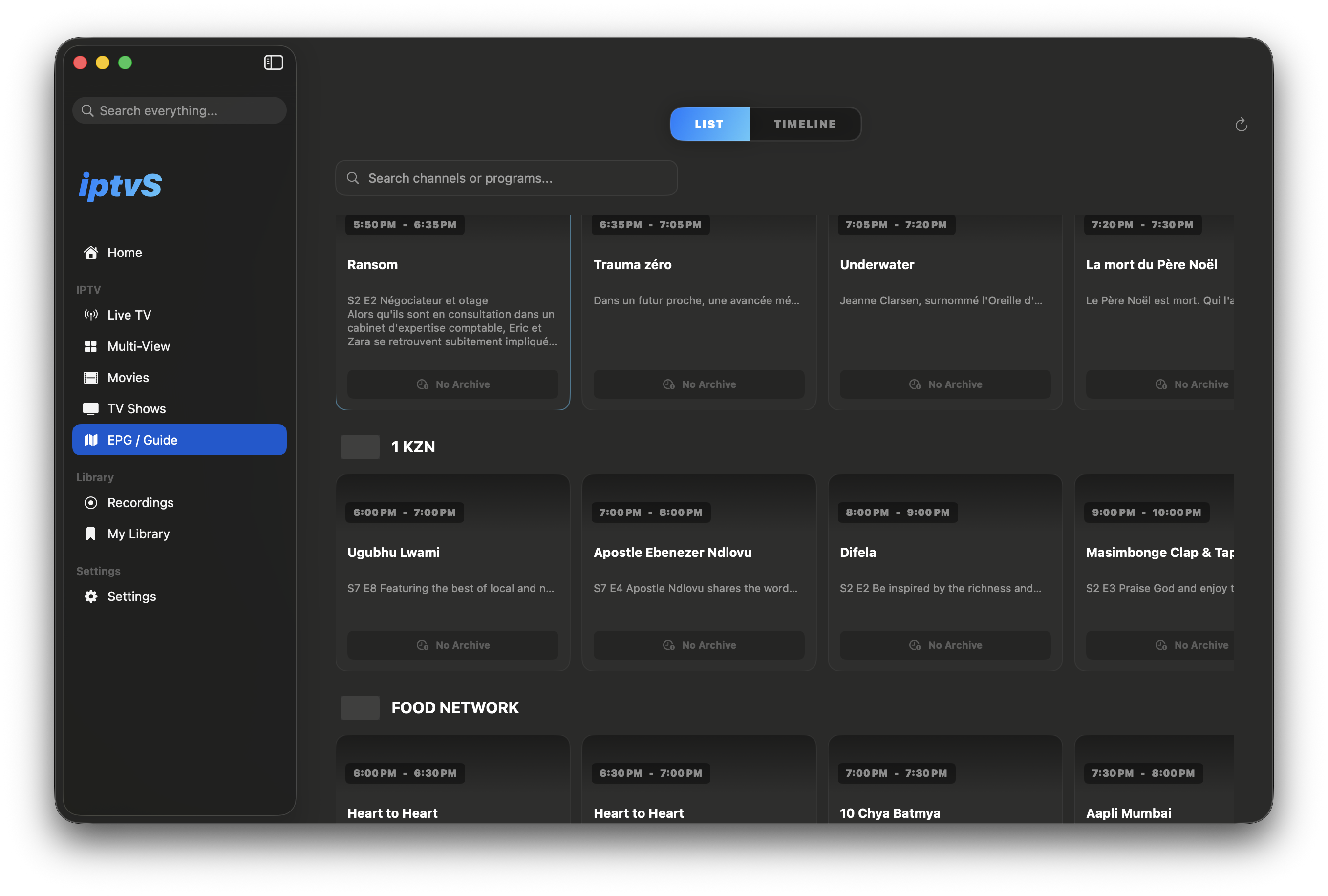
List and timeline views for the electronic program guide.
Native macOS notifications for upcoming programs.
Floating picture-in-app keeps playback alive while you browse.
Tuned for M-series chips — low CPU and battery usage at 4K.
Onyx Obsidian, Midnight — pick your weather.
/ 02 — Inside the app


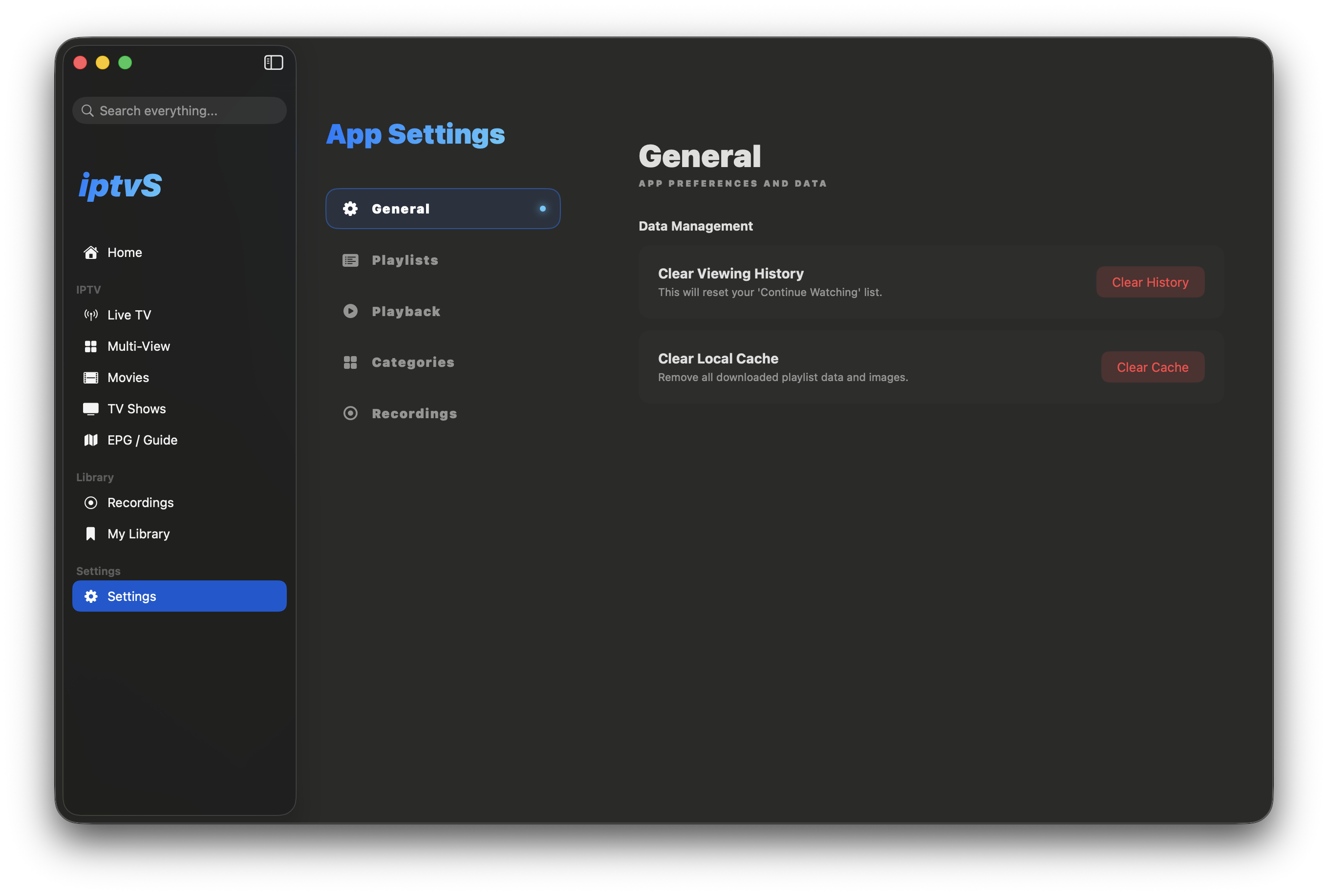
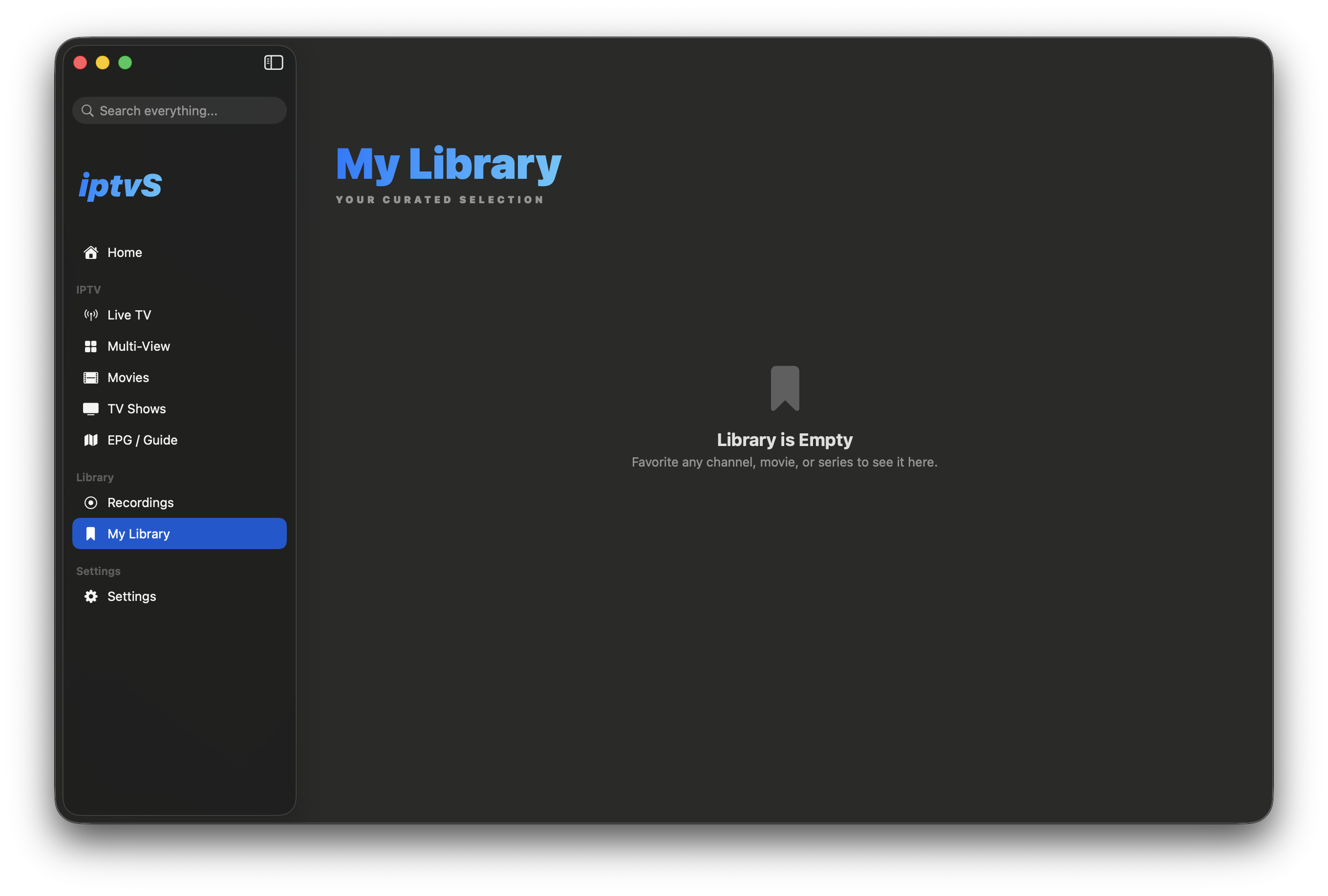
/ 03 — Latest release
New features, improvements, and bug fixes for the native macOS experience.
Loading…
Loading…
Loading…
/ 04 — Install
Download the latest .dmg from GitHub releases, drag iptvS into Applications, and add your playlist.
Not notarized · Hoc signed. On first launch, right-click the app → Open, or run the command opposite to clear the quarantine flag.
# after dragging iptvS to /Applications
$ xattr -cr /Applications/iptvS.app
$ open /Applications/iptvS.app

# done — add a playlist in Settings → Playlists